In this tutorial, we'll teach you step-by-step how to create a brainrot video like the one below. We'll also give you a complete cost breakdown so you know exactly what you'll spend.
New users get 100 free credits to start!
That's enough to make your first video and test the platform.
Brainrot is a popular content style on TikTok/YouTube Shorts — short, addictive videos with rapid cuts, trending sounds, memes, and emotional storytelling. Think of those viral videos where characters go through emotional arcs in 30-60 seconds.
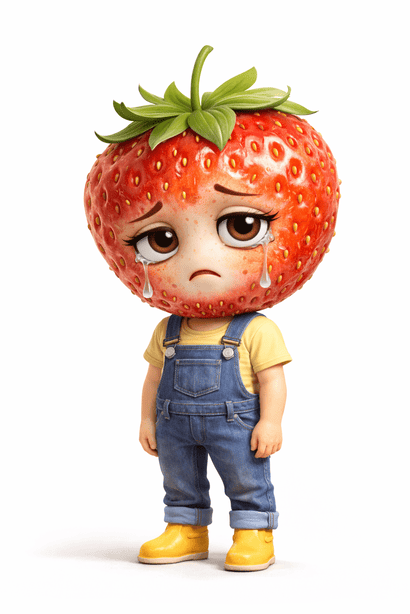
Build your character — this will be the star of your videos. A distinctive, recognizable character helps build your brand.
💡 Tip: Give your character a distinctive look (unique colors, accessories, expressions) for better brand recognition.
Tell our AI what story you want to tell. The AI will write a complete script with viral elements.
📋 Example Input:
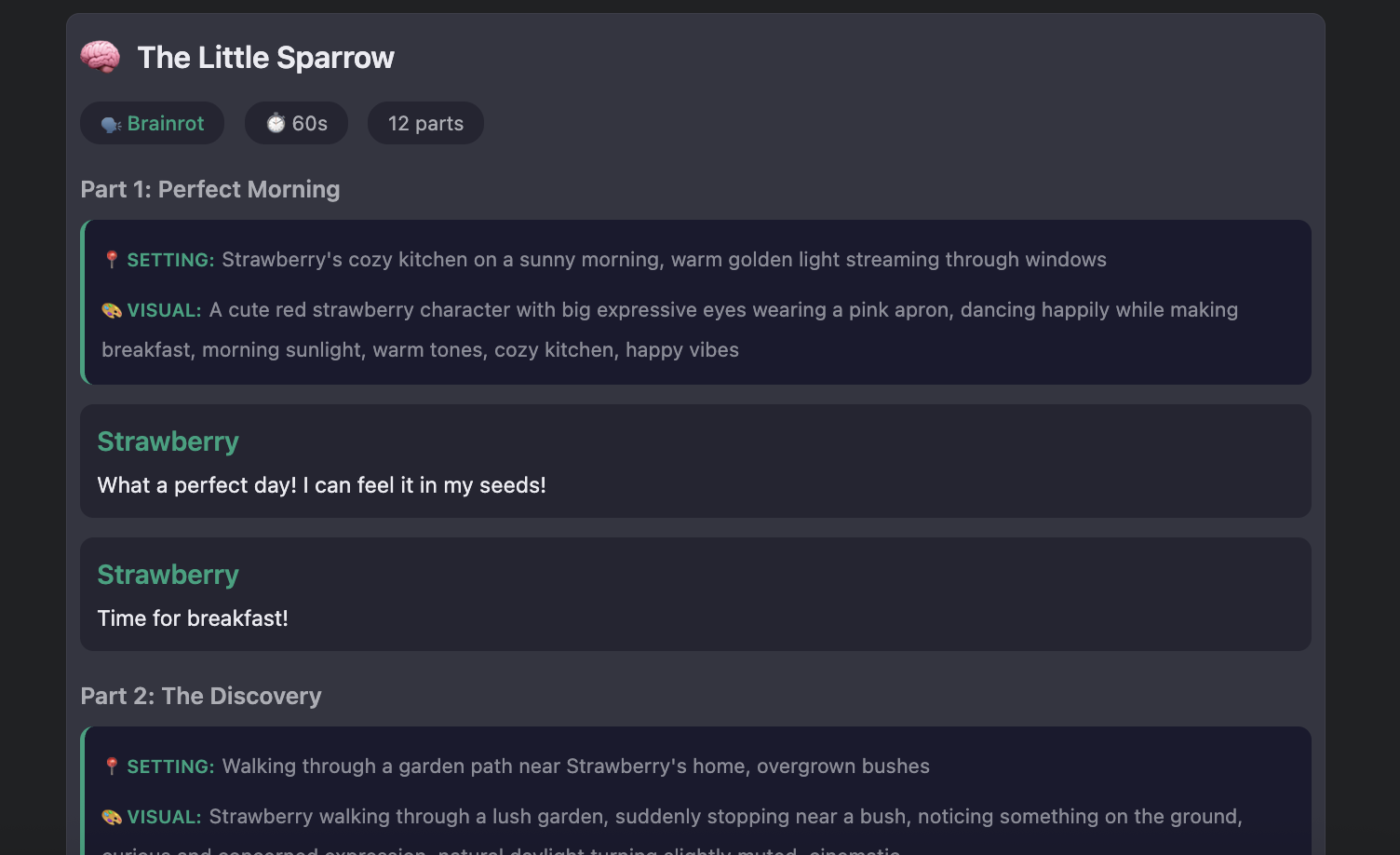
title: Strawberry found a hurt sparrow
pitch: ...but the sparrow didn't make it
character: Strawberry
Duration: 30s
Style: emotional, high contrast
The AI will generate a script like this:
✨ Bonus: Each script comes with
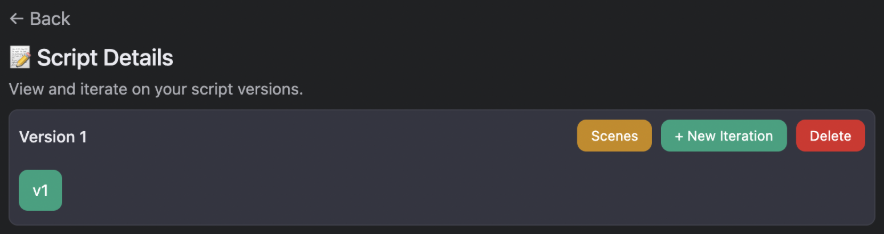
Click Scenes on your script to generate a scene breakdown. This lands you in the Scene Editor:
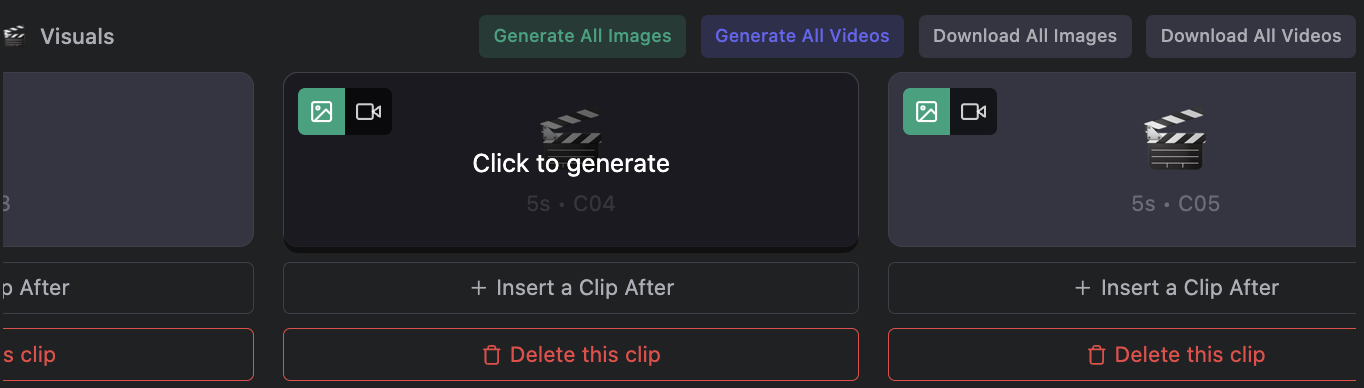
The AI already created image prompts for each clip. Just click Generate on any empty clip, or use All Images to generate all at once:
🎯 Pro tip: Use 9:16 aspect ratio for TikTok content (this is the default).
Turn your images into videos! Click All Videos to generate all video clips at once:
Customize the video prompt to control how your character moves. For example: "Strawberry is crying, tears falling down" or "Strawberry is jumping happily".
🎤 Don't forget the audio!
The narration clips contain your script's dialogue. Click All Audio to generate voiceover with your character's voice.
Review your timeline in the Scene Editor. When ready, download all your assets (images, videos, audio).
🎬 Next step: Edit in CapCut
Use tools like CapCut, Final Cut Pro, or Premiere Pro to add:
Use Trending Niches
Check the Trending Niche page for what's working now
Hook in 3 Seconds
First 3 seconds make or break your video
Sync to the Beat
Match cuts to music beats for that satisfying feel
A/B Test
Generate multiple versions and see what works
❓ Images look wrong?
→ Add more specific details to your character prompt. Instead of "cute", try "round pink body, big shiny eyes, small green leaf on head".
❓ Video generation failing?
→ Check your credit balance. Make sure you're using 9:16 (vertical) aspect ratio for TikTok content.
❓ Audio sounds off?
→ Try adjusting your voice prompt. Be more specific about age, tone, and emotion.
❓ Need more help?
→ Email us at support@trytubbr.com
You get 100 free credits to start. That's enough to make your first brainrot video!
 Tubbr
Tubbr